
You need some clips: the turntable0001-0096.mp4 from A turntable animation (or download turntable.mp4), and any music file (WAV, MP3 or OGG).
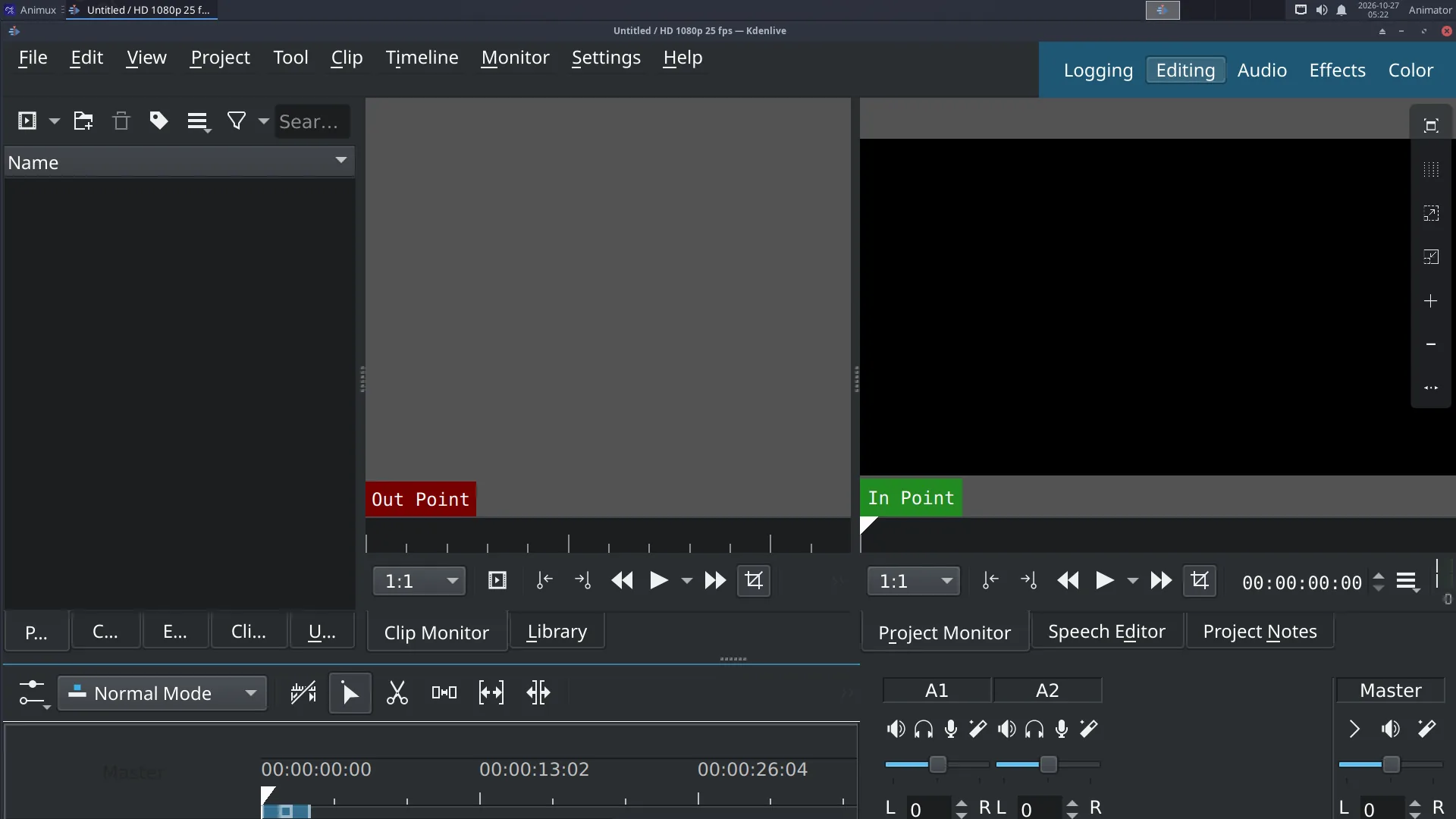
1. Project settings#
- Start NLV Editors → Kdenlive.
- Project → Project Settings: choose a profile matching your animation, here HD 720p 24 fps (1280 × 720, 24 frames per second). Click OK.
Always choose the profile first
If the profile does not match your clips, Kdenlive offers to change it when you add the first clip. Say yes if it suggests the clip's own format.
2. Bring in the clips#
- Drag files from the file manager into the Project Bin, or right-click in the bin → Add Clip or Folder.
- For an image sequence (frames from Blender, Synfig or Krita), choose the first image and tick Import image sequence.
3. Build the edit#
- Drag the turntable clip from the bin onto the V1 track of the timeline.
- Drag it again so it plays twice in a row (two turns).
- Click on the timeline to move the playhead; press Space to play in the Project Monitor.
- To cut: put the playhead where you want the cut and press Shift+R. Delete a part by selecting it and pressing Delete.
4. A title#
- Right-click the Project Bin → Add Title Clip.
- Type the title (for example Suzanne Spins), choose font and size, click OK.
- Drag the title clip onto V2 above the start of the video. It is shown on top.
- Fade it: right-click the title on the timeline → Add Effect → Fade → Fade In and Fade Out.
5. Music#
- Drag your music into the bin, then onto the A1 audio track.
- Trim it to the length of the video by dragging its end.
- Fade out at the end: Add Effect → Fade → Fade Out.
- Too loud? Add the Volume (keyframable) effect and lower it.
6. Export#
- Project → Render (Ctrl+Enter).
- Choose the preset MP4-H264/AAC.
- Set the Output file, for example
~/Videos/suzanne-spins.mp4. - Click Render to File. The Job Queue tab shows progress.
Watch the result in VLC. Upload it, send it, or show it.
Save the project#
File → Save writes a .kdenlive file. It only refers to your clips; keep the clips where they are (in your project folder) or Kdenlive cannot find them later.