
| MakeHuman II | |
|---|---|
| Menu | 3D Animation → Modellers → MakeHuman 2 |
| Version | 2.0.1 |
| Command | makehuman2 |
| Good for | Beginner |
| Files | .mhm; exports GLB (glTF), OBJ, STL, MH2B (Blender), BVH (poses) |
| Licence | AGPL-3.0 |
| Website | github.com/makehumancommunity/makehuman2 |
| Self-test | animux-selftest apps |
MakeHuman is the classic free character creator: you move sliders (age, gender, weight, height, face shape…) and get a clean, animation-ready human body. The project has two current tools, and Animux includes both:
| MakeHuman II | MPFB | |
|---|---|---|
| What | the stand-alone program | the same character system as a Blender add-on |
| Version on Animux | 2.0.1 ("Fantasy") | 2.0.18 |
| Start | 3D Animation → Modellers → MakeHuman 2 | in Blender: press N → tab MPFB |
| Best for | designing a character, exporting to games or other programs | characters you animate in Blender |
About the name
The original MakeHuman 1.x (Python 2) is no longer developed. Its successor is MakeHuman II (makehumancommunity/makehuman2 on GitHub). MPFB (MakeHuman Plugin For Blender) is maintained by the same community. Both use the same assets.
MakeHuman II#
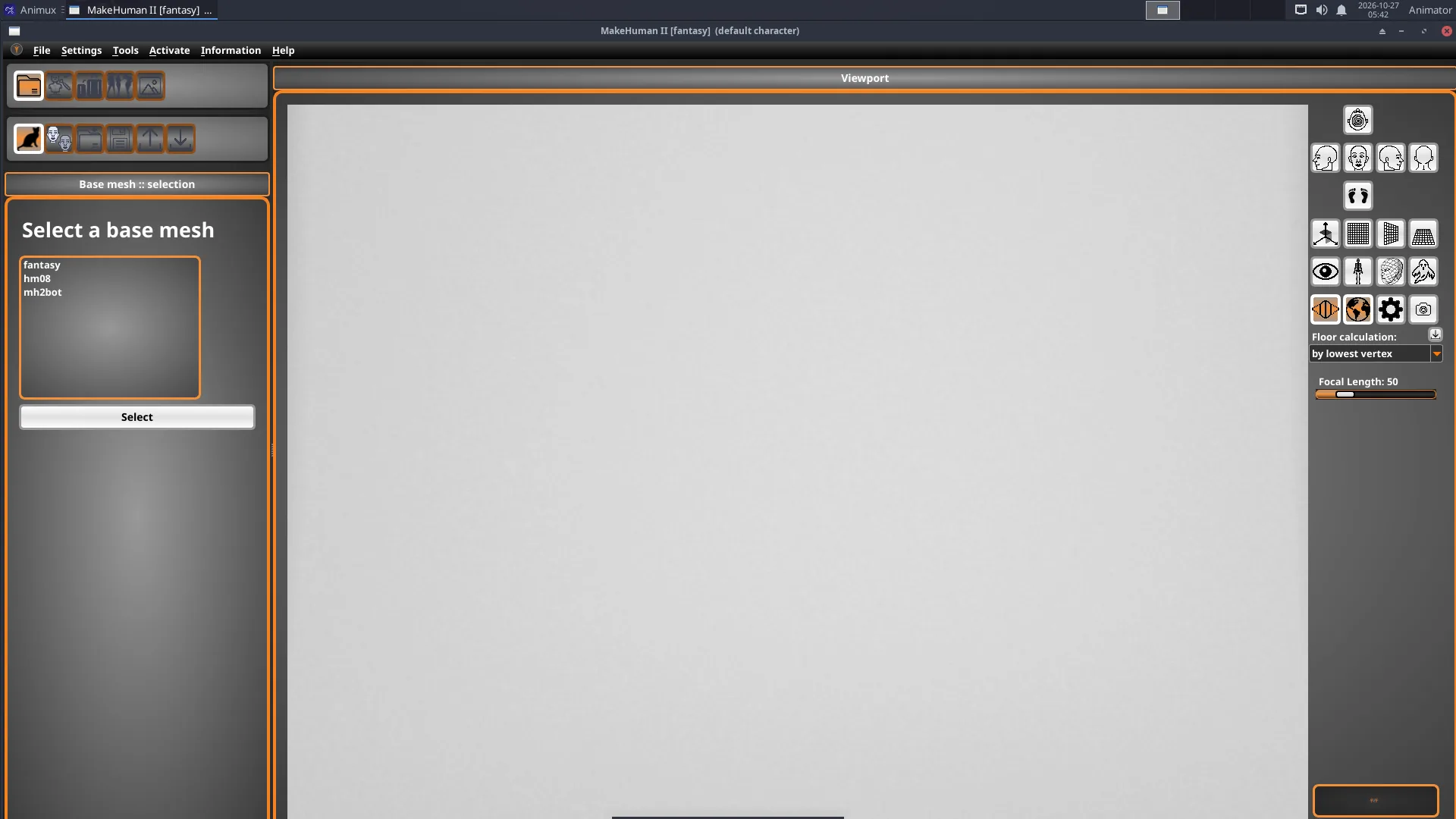
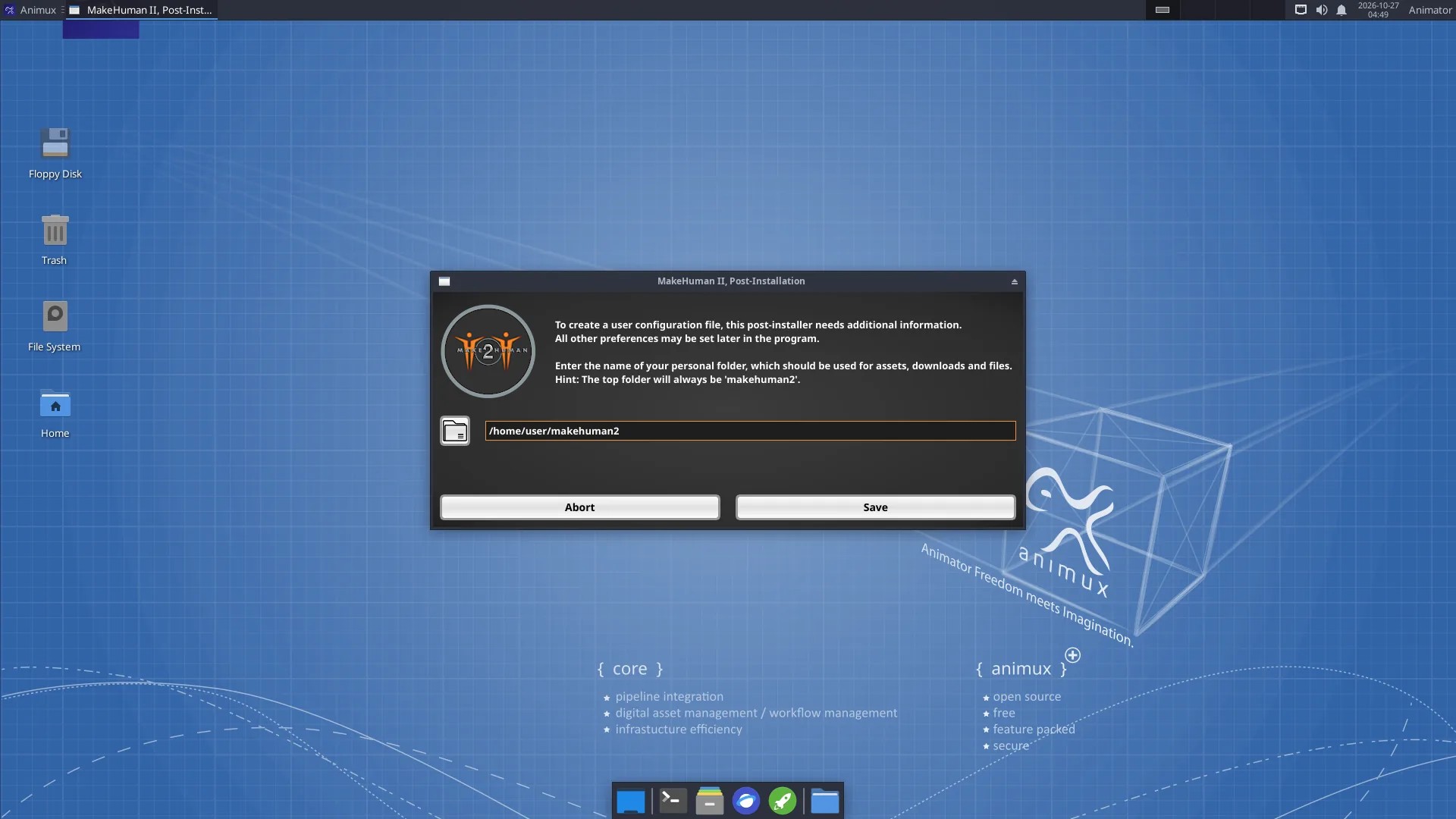
- Start MakeHuman 2. The very first time, it asks for a personal folder (suggested:
~/makehuman2); click Save. Then it shows Base mesh :: selection: keep fantasy (the MakeHuman II body; hm08 is the classic MakeHuman 1 body) and click Select. - Click the modify character icon. The left side lists categories (Modify character :: categories) such as main proportions, head, torso, arms and legs. Open one and move its sliders: gender, age, muscle and weight change the whole body. The summary at the bottom right shows age, muscle, weight and height.
- Use the other icons to add clothes, hair, eyebrows, eyes, a skeleton and a pose or expression.
- Use the camera buttons on the right of the viewport to look from the front, side or top, or to fit the face.
- Save the character as
.mhm(a small file you can change later). Export as GLB (glTF, for games, the web and Blender), OBJ, STL (3D printing), MH2B (for Blender with the included io_makehuman add-on) or a pose/animation as BVH.
Small screen
Some MakeHuman II dialogs are taller than 800 pixels. On a small screen, move a dialog by holding Alt and dragging it with the mouse.
MPFB inside Blender#
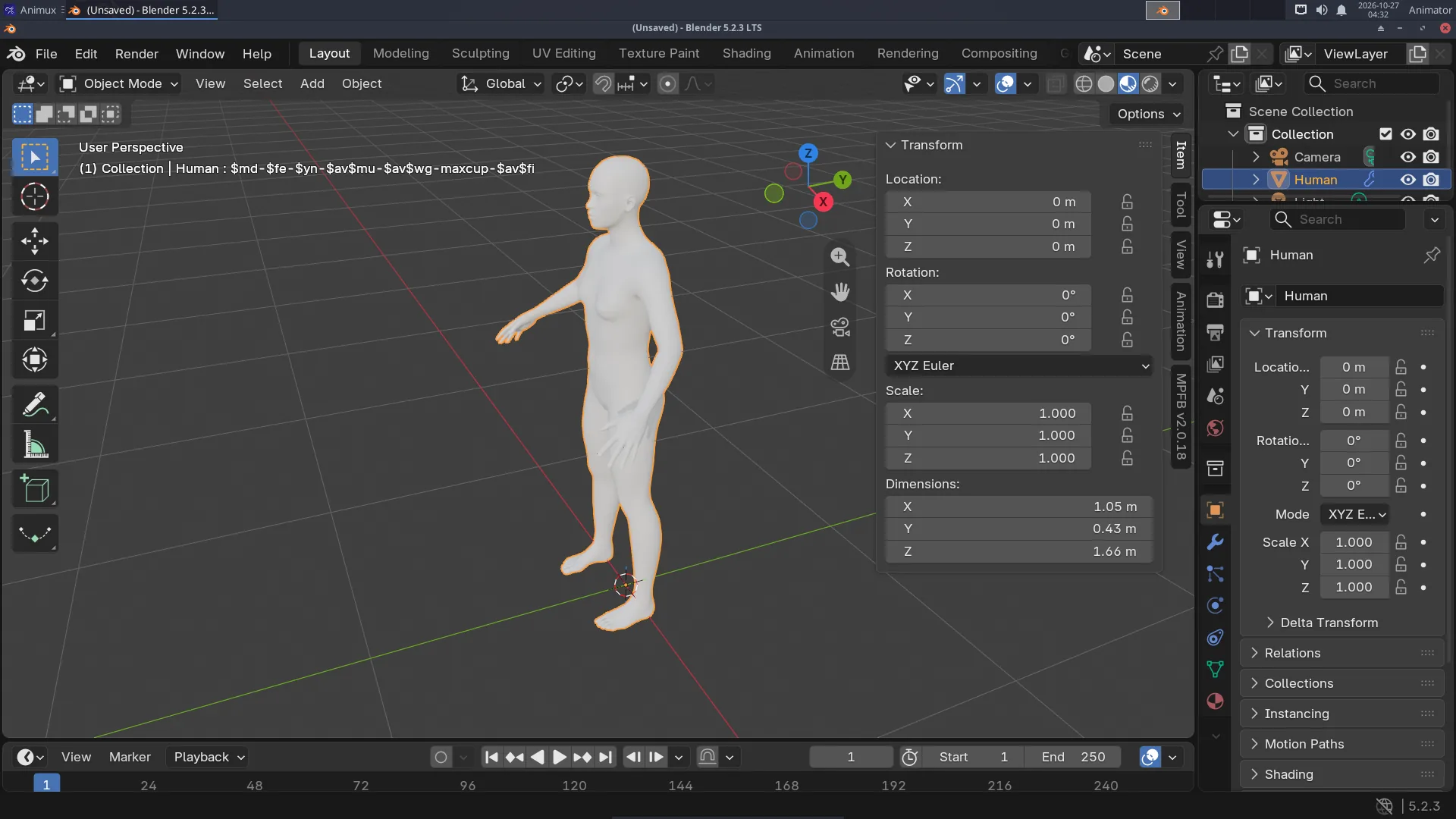
- Start Blender, move the mouse over the 3D viewport and press N. Click the MPFB tab at the right edge.
- Open New human → From scratch and click Create human.
- Open Model and change the sliders, as in MakeHuman.
- Rigging → Standard rig → Add standard rig (or Rigify) gives it a skeleton you can pose and animate.
- Apply assets adds skin, eyes, eyebrows, hair and clothes from asset packs.
MPFB can also load a .mhm file saved by MakeHuman II (New human → From save file), or take the character straight from a running MakeHuman II (New human → From MakeHuman).
Asset packs
MPFB and MakeHuman II include the base body and a few basic assets. Thousands of extra clothes, hair styles and skins (free, CC0 and CC-BY) can be downloaded from http://www.makehumancommunity.org/ as asset packs and loaded with MPFB → System and resources → Load pack from zip file.
See the tutorial A character with MakeHuman.
Licences of your characters#
The program is AGPL-3.0, but characters you export with the standard assets are yours to use, including commercially (the base mesh and standard assets are CC0). Check the licence of extra community assets before you sell work.