 Animux
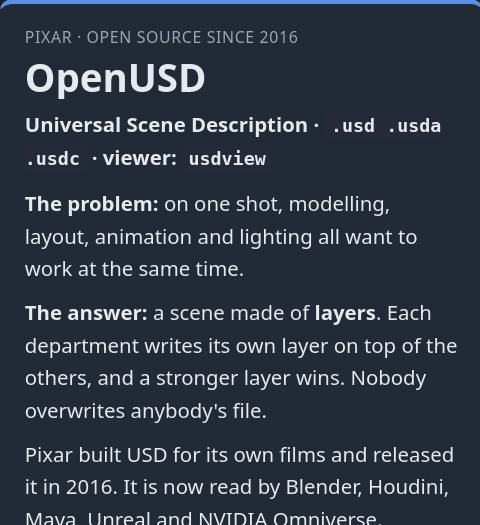
Pixar · open source since 2016
OpenUSD
One shot, many departments: modelling, layout, animation and lighting each write their own layer of the same scene. Read by Blender, Houdini, Maya, Unreal and NVIDIA Omniverse.
Animator freedom meets imagination.
83 tested programs for the whole film, from storyboard to render farm, on one free system. The tools of the animation industry, at your fingertips, whether you are preparing for a career in the studios or bringing your own vision to life.
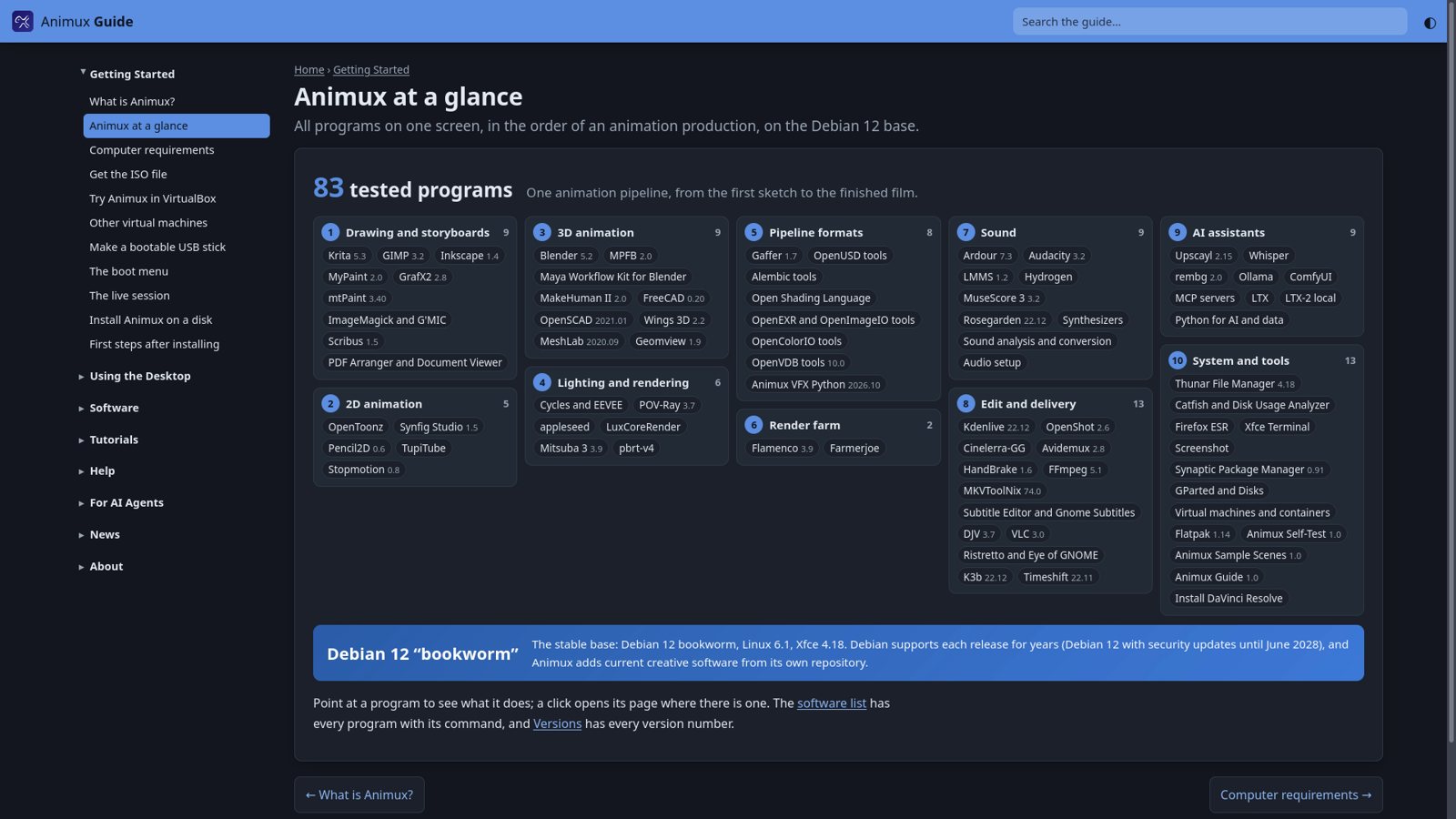
Drawing, 2D and 3D animation, rendering, sound, editing and delivery. Each program below is shown with its own start screen, recorded in Animux.
 Blender 5.2 LTS
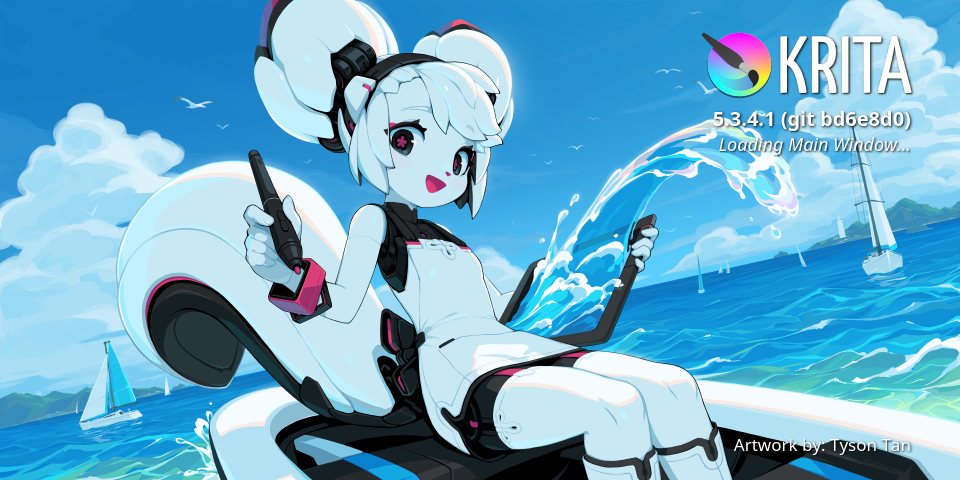 Krita
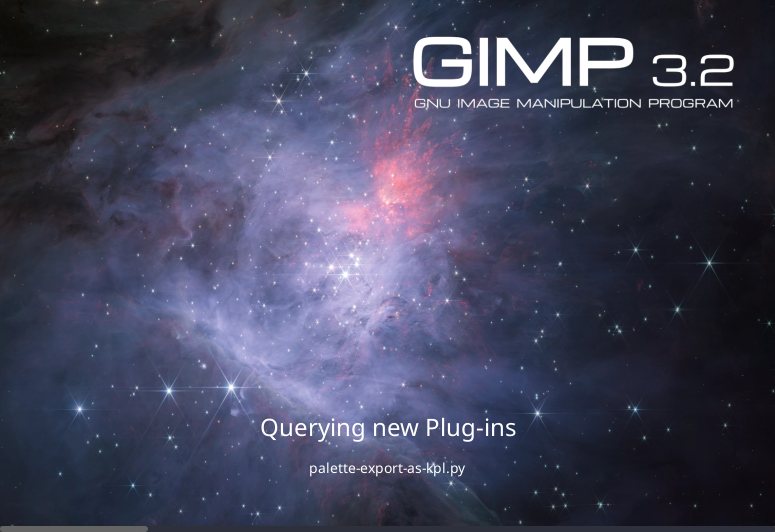 GIMP 3.2
 OpenToonz
 Synfig Studio
 Inkscape
 Kdenlive
 Ardour
 LMMS
 MuseScore
 Hydrogen
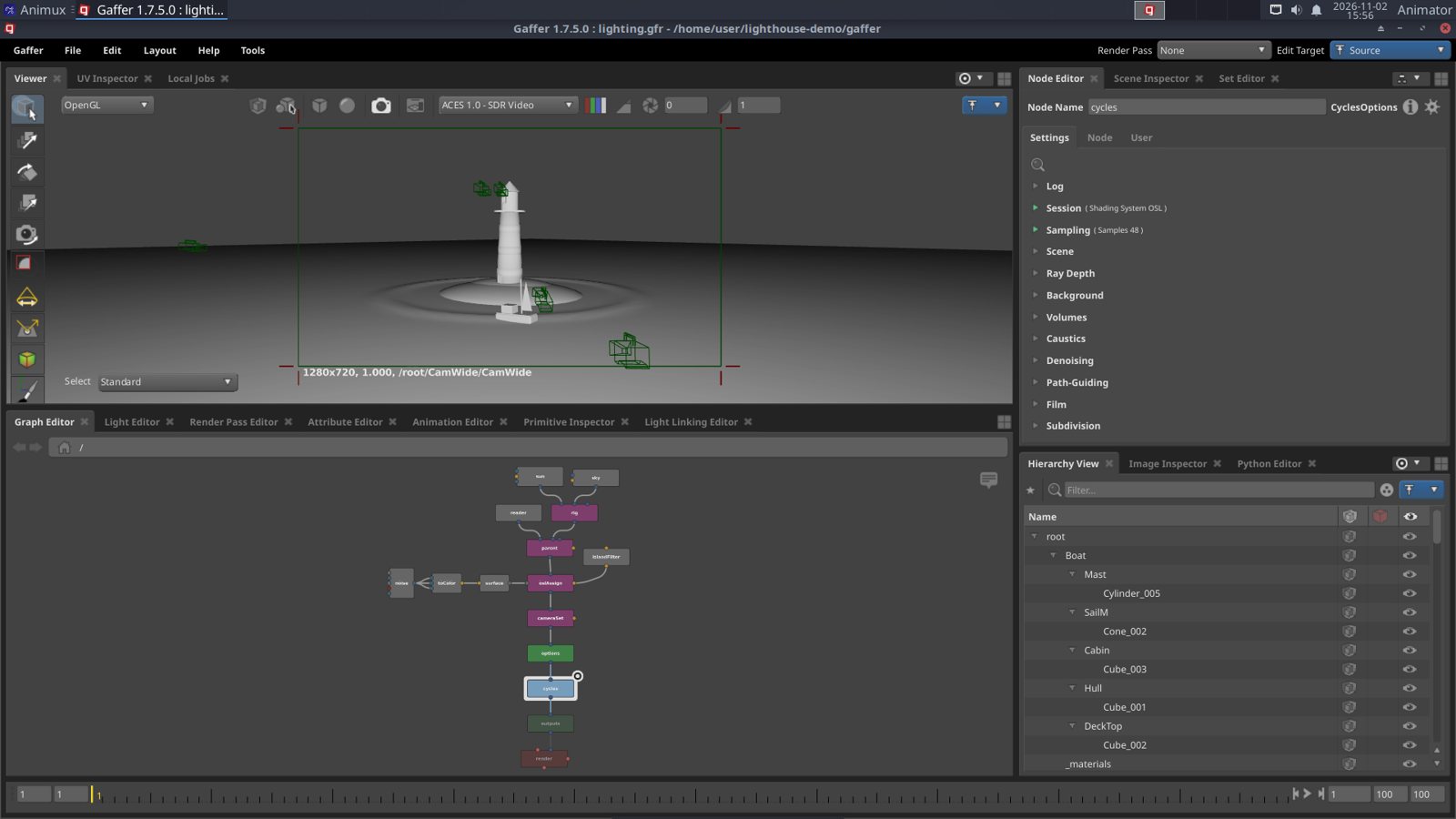 Gaffer
All 83 programs at a glance →
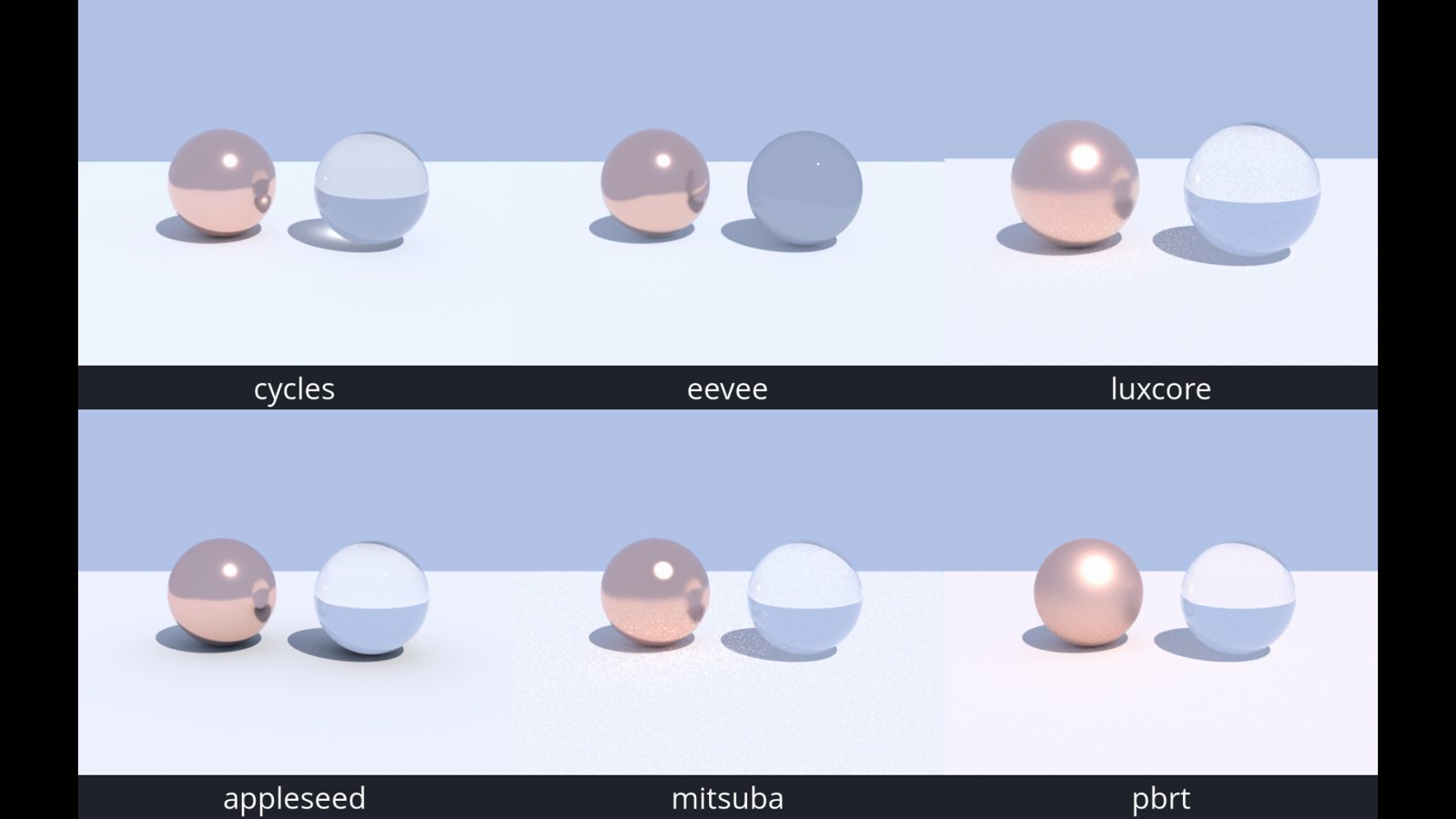
Also inside: MakeHuman II and MPFB, Pencil2D, TupiTube, Stopmotion, MyPaint, Audacity, OpenShot, Cinelerra-GG, HandBrake, DJV, seven renderers (Cycles, EEVEE, POV-Ray, LuxCoreRender, appleseed, Mitsuba 3, pbrt-v4), Upscayl and offline AI tools such as Whisper subtitles.
The studios solved hard problems with their own tools, then released them as open source. Animux installs them, and its built-in guide explains each one with its sources.
One shot, many departments: modelling, layout, animation and lighting each write their own layer of the same scene. Read by Blender, Houdini, Maya, Unreal and NVIDIA Omniverse.
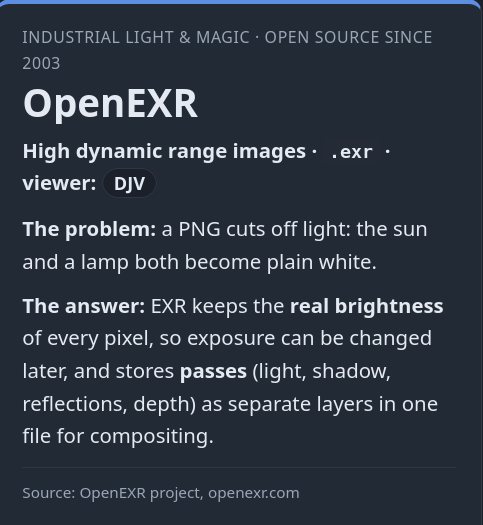
Keeps the real brightness of every pixel, so exposure can still change after the render, and stores render passes as layers for compositing.
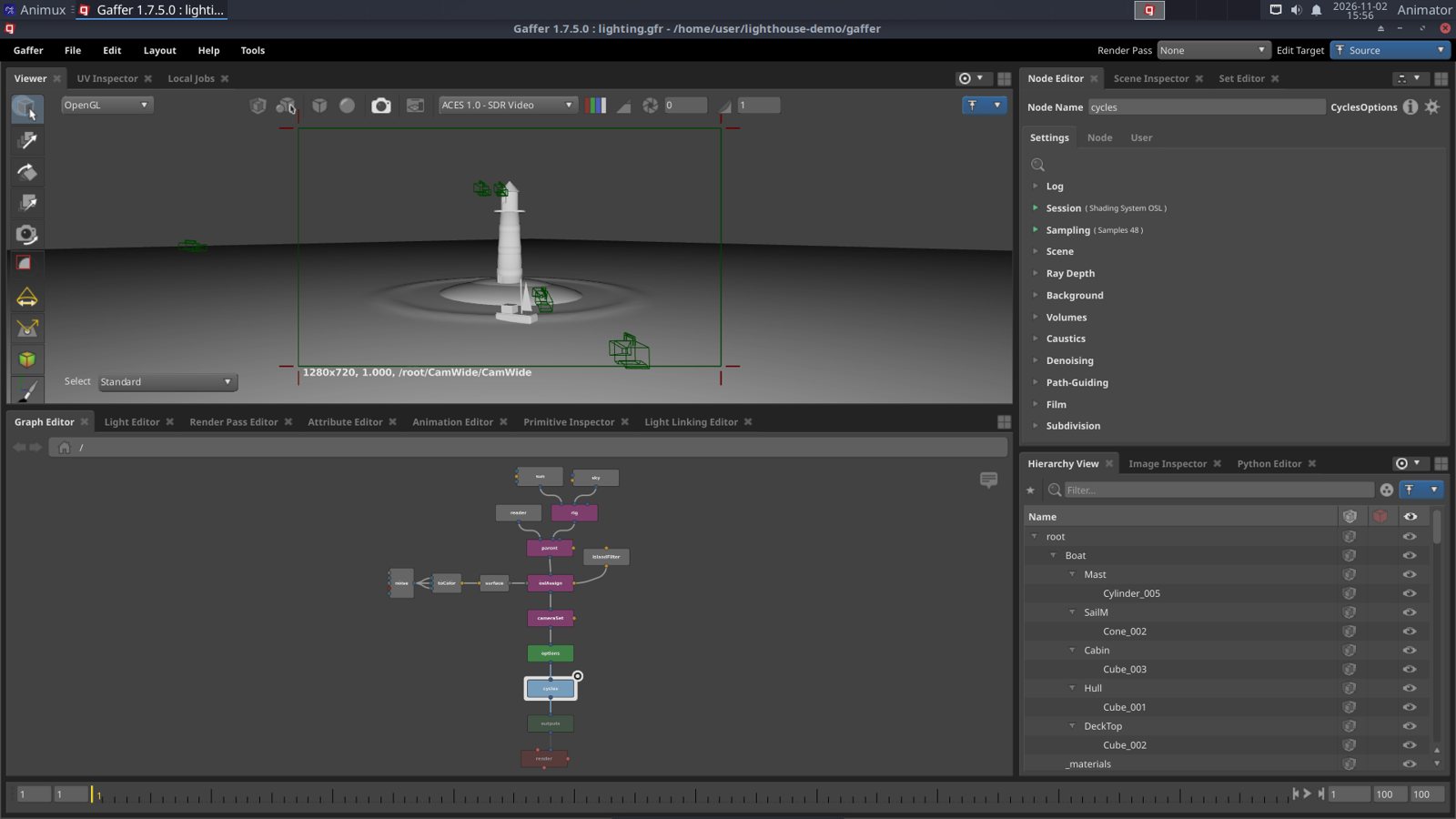
Node-based lighting and look development from a visual-effects studio: one light rig can serve every shot of a sequence, rendered with Cycles.
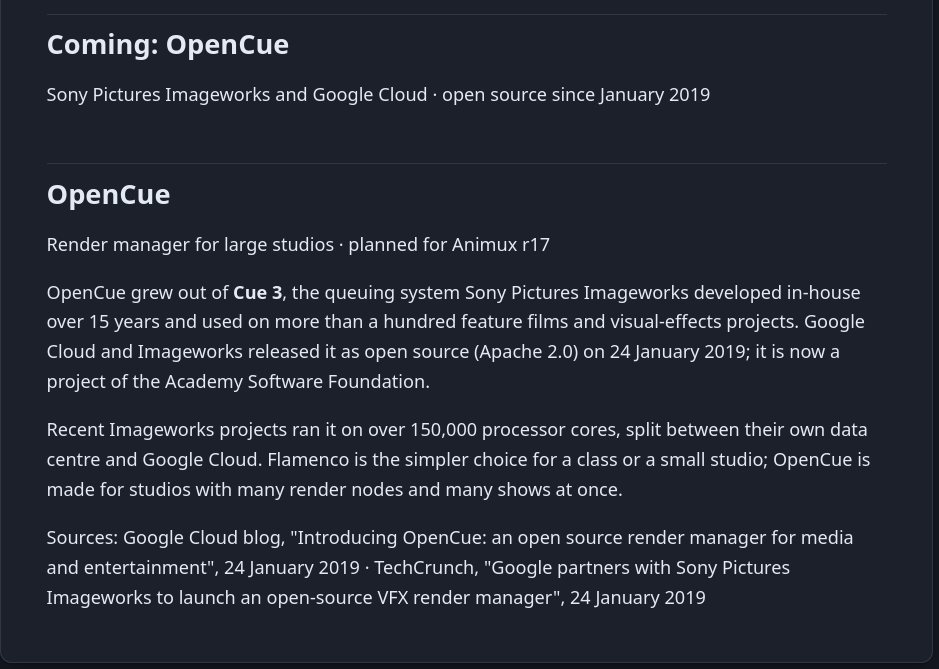
The render manager Imageworks used on more than a hundred feature films, open source since 2019. Today Animux ships the Flamenco farm; OpenCue is coming soon.
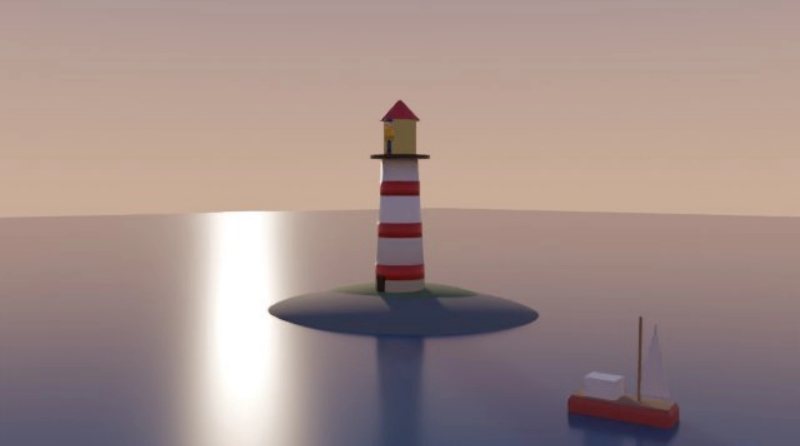
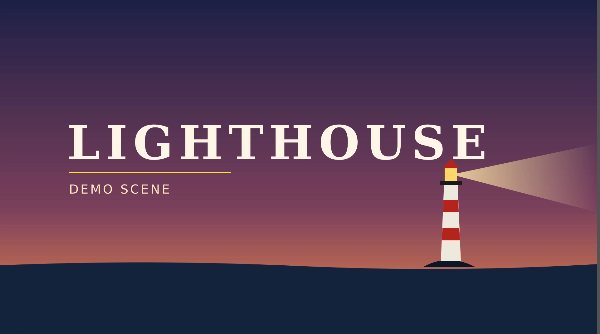
Everything here was made inside Animux for the video tour: modelled and lit in Blender, painted in GIMP and Krita, rendered on the farm and cut in Kdenlive.



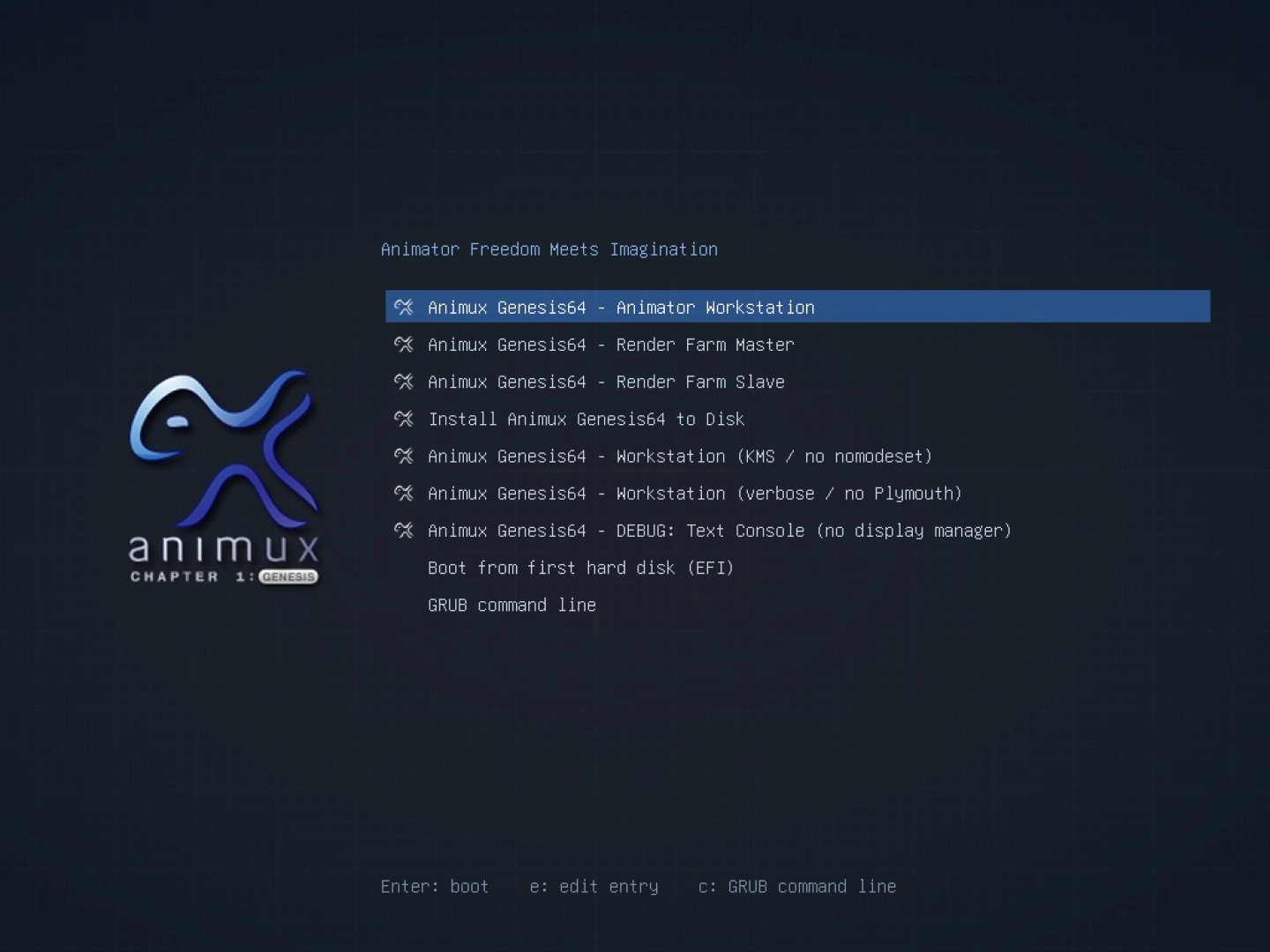
The Animux boot menu. Every role is one entry away.
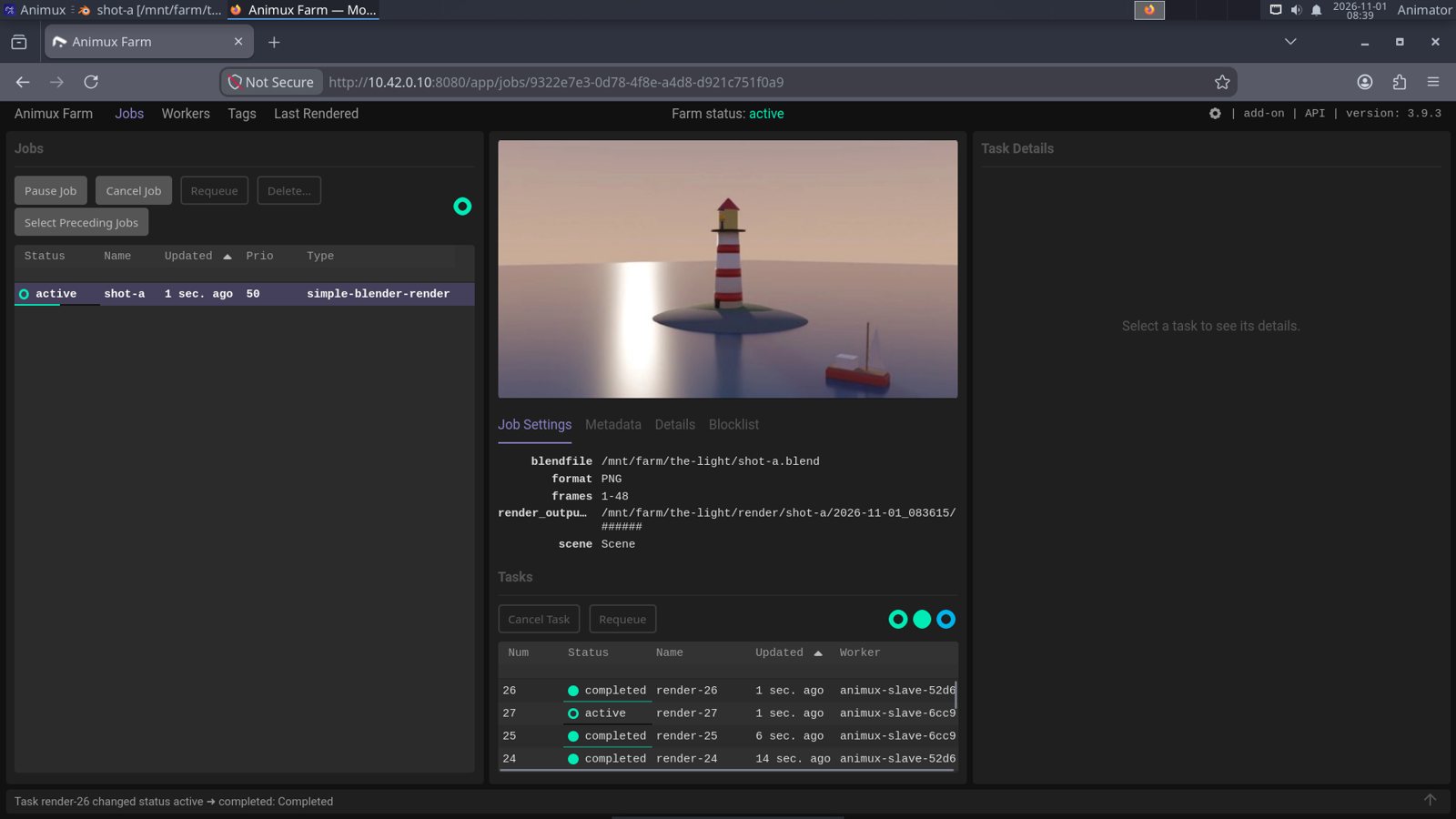
Flamenco: a Blender job split into frames across the workers.
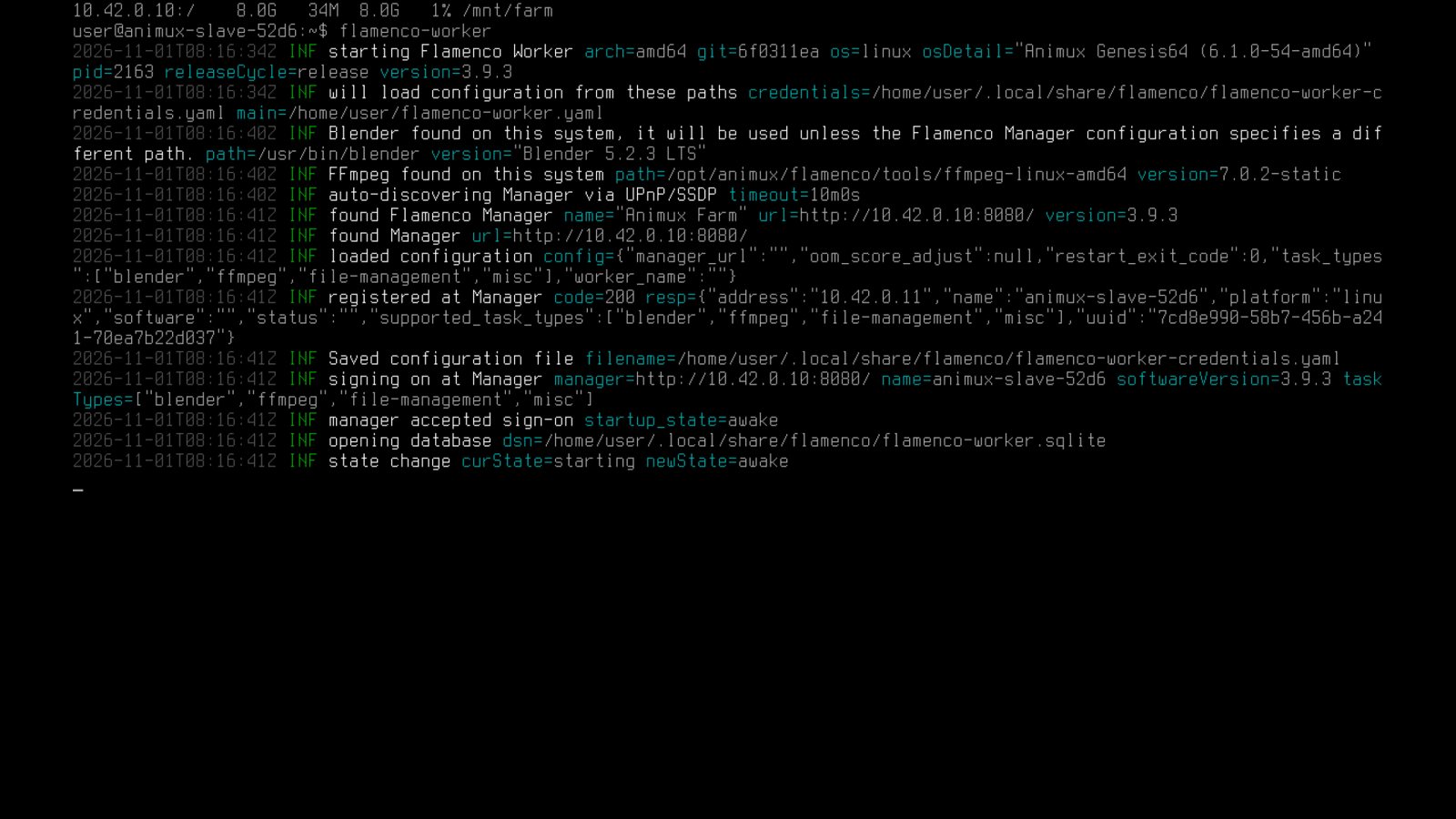
A render node signs on to the farm by itself.
Every step says what to click, with screenshots. The same guide is built into Animux and works offline, and AI assistants can read it too.
Run Animux in VirtualBox without touching your computer, or start it from a USB stick.
Getting started →Step-by-step tutorials: Blender, Synfig, Pencil2D, Krita, Kdenlive and the command line.
Tutorials →MCP bridges let Claude Code or a local model work inside Blender, GIMP, Krita and Inkscape.
AI agents →One ISO file holds the whole system. Use it from a USB stick, in a virtual machine, or install it.
| File | animux-genesis64-deb_28.iso |
| Size | about 12 GB (save it to an exFAT or NTFS disk, not FAT32) |
| Check | SHA-256 on the download page |
| Processor | 64-bit with SSE4.2; AVX2 and 4+ cores recommended |
| Memory | 4 GB minimum, 16–32 GB recommended |
| Disk | 40 GB free, 100 GB+ on an SSD recommended |
| Built on | Debian 12 with the Xfce desktop |